Institutional Mail Services
Plan domain email for university offices, departments, faculty, administrative teams and other approved institutional users.

A self-managed mail server can give an organisation greater control over its email infrastructure, domain configuration and administration. My Tech Professionals can help assess Linux-based mail server requirements for businesses and educational institutions, from initial planning through configuration and operational handover.
Mail server deployments require careful planning for DNS, deliverability, security, storage, backups and ongoing administration. The right architecture depends on mailbox volume, sending patterns, availability expectations and the organisation’s in-house technical capabilities.
Universities, colleges, schools and businesses may require managed email accounts for different departments, offices, teams and user groups. A mail server should be designed to meet the organisation’s actual operational and security requirements.
Plan domain email for university offices, departments, faculty, administrative teams and other approved institutional users.
Configure domain-based email services for business communication, shared mailboxes and organisational teams.
Plan SMTP for mail transfer and IMAP or POP3 access according to the selected server software and client requirements.
Configure and validate MX, SPF, DKIM, DMARC, reverse DNS and related records as required by the deployment.
Establish account provisioning, aliases, quotas, access policies and account lifecycle procedures.
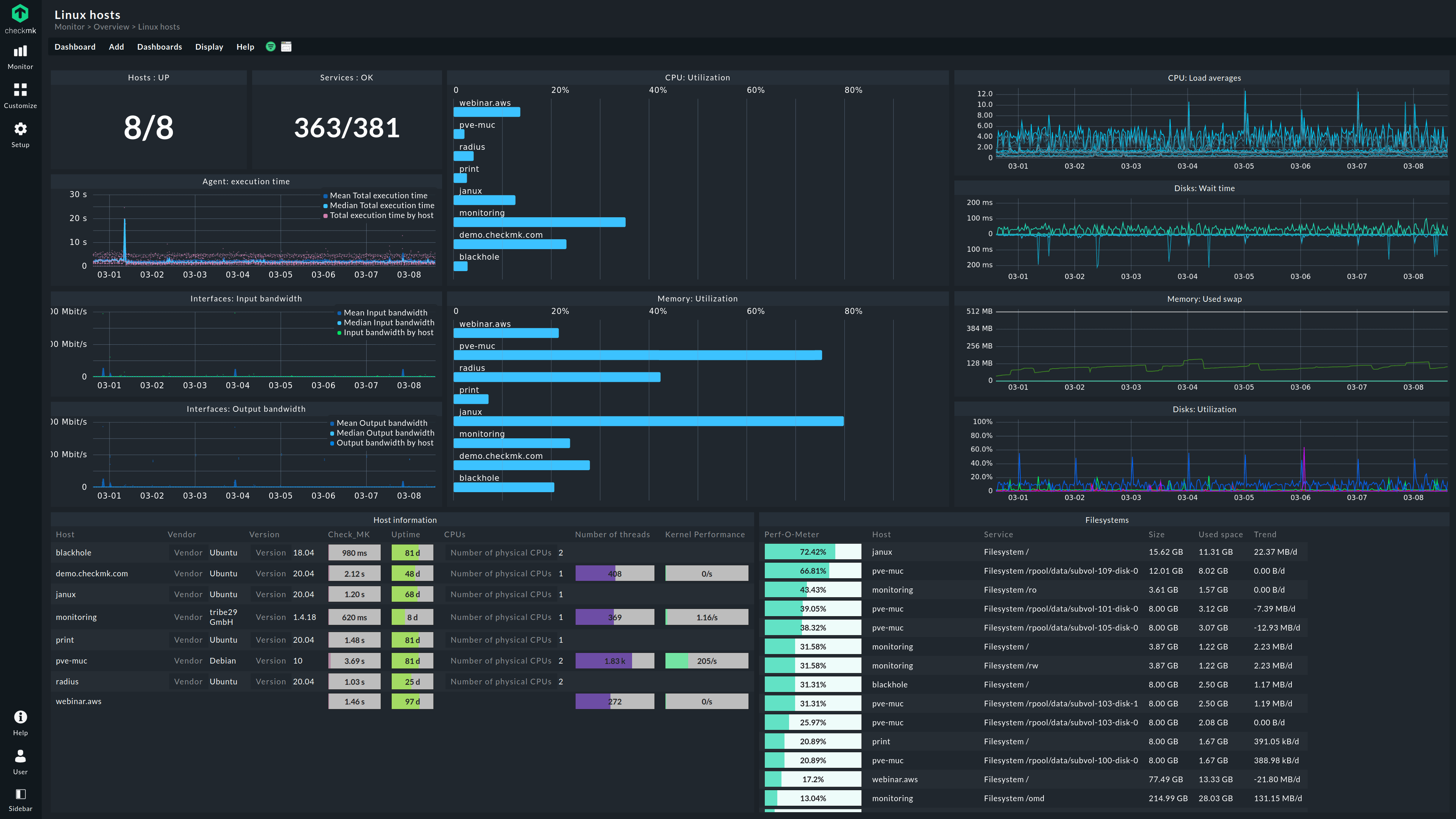
Plan service monitoring, log review, patching, certificate renewal and operational maintenance responsibilities.
Operating a mail server involves more than installing packages. Before implementation, it is important to review network access, IP reputation, DNS control, expected traffic and the team responsible for maintaining the service.
Assess the domain, server environment, network, IP address, mailbox requirements and existing mail services.
Choose an appropriate Linux distribution and mail components based on compatibility, maintainability and operational needs.
Configure the agreed mail services, certificates, routing and required DNS records.
Review authentication, relay restrictions, access controls, anti-abuse settings and test delivery to relevant providers.
Create agreed accounts and test sending, receiving, client access, quotas and administrative workflows.
Document configuration, backup procedures, monitoring, update responsibilities and escalation contacts.
Self-hosted email needs ongoing operational attention. Configuration alone does not guarantee inbox placement, uninterrupted delivery or protection from every threat.
Configure SPF, DKIM and DMARC in line with the mail architecture and sending sources authorised by the domain owner.
Use TLS for supported connections, restrict administrative access and apply secure authentication and account policies.
Assess filtering and malware-scanning components, relay restrictions, rate limits and abuse monitoring appropriate to the deployment.
Review reverse DNS, hostname consistency, IP reputation and provider-specific sending requirements before production use.
Define backup scope, frequency, retention, off-server storage and restoration testing for mailboxes and configuration data.
Establish security updates, certificate renewal, disk-capacity checks, log review and service alerting processes.
A self-hosted mail server offers administrative control, but it also creates ongoing responsibilities for security, deliverability, backups, updates and incident response. For some institutions and businesses, a managed email platform may be a more suitable option.
Our recommendation: Select the approach after comparing total operating cost, internal IT capability, service continuity needs, data governance requirements and expected email volume. For critical institutional communication, document recovery objectives, escalation arrangements and service ownership before going live.
We can assess requirements for institutional email, including domains, account groups, expected usage, administration and continuity needs. The proposed architecture depends on the institution’s environment and operational capacity.
SMTP is commonly used for sending and transferring email. IMAP and POP3 can be used for mailbox access, depending on the server configuration and client requirements.
No. Delivery and inbox placement depend on IP and domain reputation, DNS authentication, sending practices, recipient-provider policies and ongoing monitoring. Correct configuration improves readiness but cannot guarantee inbox placement.
A stable public IP with suitable reverse DNS is generally important for a production mail server. The hosting provider and network configuration must support the required mail traffic.
Migration can be assessed based on the source platform, mailbox sizes, credentials, supported tools and downtime tolerance. A migration plan should include backups, test migration and user communication.
These responsibilities should be explicitly assigned in the service scope. A self-hosted mail server needs regular maintenance, tested backups, monitoring and a defined incident response process.
Share your domain, expected mailbox count, current hosting environment and support expectations. We can help assess whether self-hosted or managed email is the more appropriate option.
Discuss Your Requirements